


Scan-to-BIM has become one of the most powerful workflows in modern construction and design. By converting point cloud data into intelligent BIM models, teams can bridge the gap between what exists and what’s being built. Here’s how to get the most out of the process.
Start With Quality Scans
A BIM model is only as good as the scans it’s based on. High-resolution, complete scans provide the detail needed to model accurately. Gaps or misaligned point clouds translate directly into errors in the BIM environment.
Define the Level of Detail (LOD)
Not every project requires the same level of modeling detail. For example, early feasibility studies may only need basic geometry, while fabrication-ready models demand precise representation. Aligning expectations on LOD before modeling begins saves time and avoids unnecessary work.
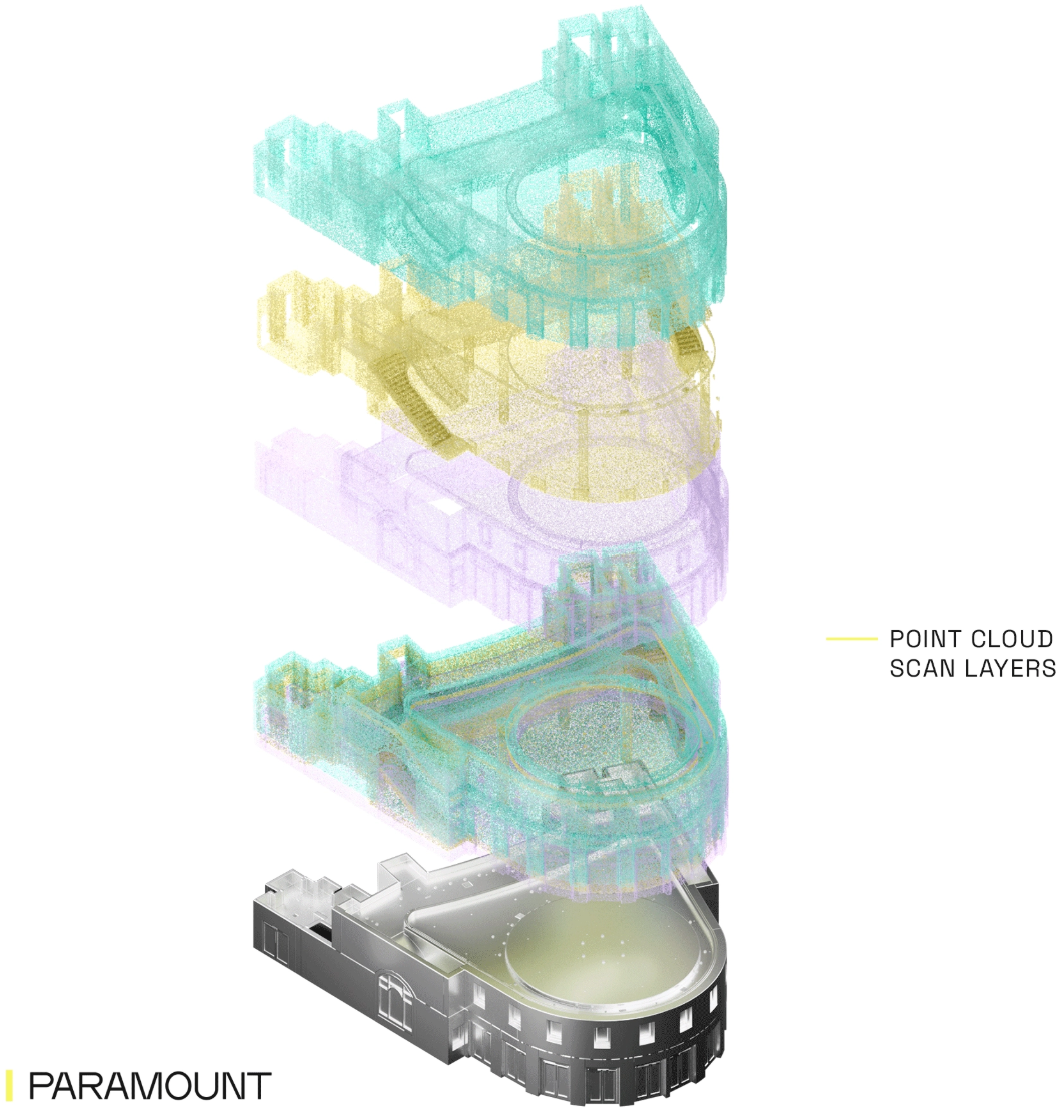
Coordinate Modeling Sequences With Clients
One often-overlooked best practice is sequencing model production to meet client needs. Instead of waiting to deliver an entire model at once, it can be more valuable to release actionable portions as they’re ready — such as shell and core, or key trades first. This allows downstream teams to begin their work sooner, maximizing the value of the scan.
Set Up Views and Deliverables Early
Using the point cloud to establish standardized plans, RCPs, sections, and elevations provides two benefits: it streamlines eventual CAD or BIM exports, and it also gives the client an immediate, accessible deliverable tied directly to the scan. Since many clients lack tools to view point clouds natively, these standardized views provide a tangible “proof of success” from the scan.
Use Standard Worksets and Layers
Establishing consistent worksets, layers, and categories during modeling sets the project up for easier integration with proposed design work later. This small investment in structure pays off when the model transitions from an as-built reference to a foundation for design.
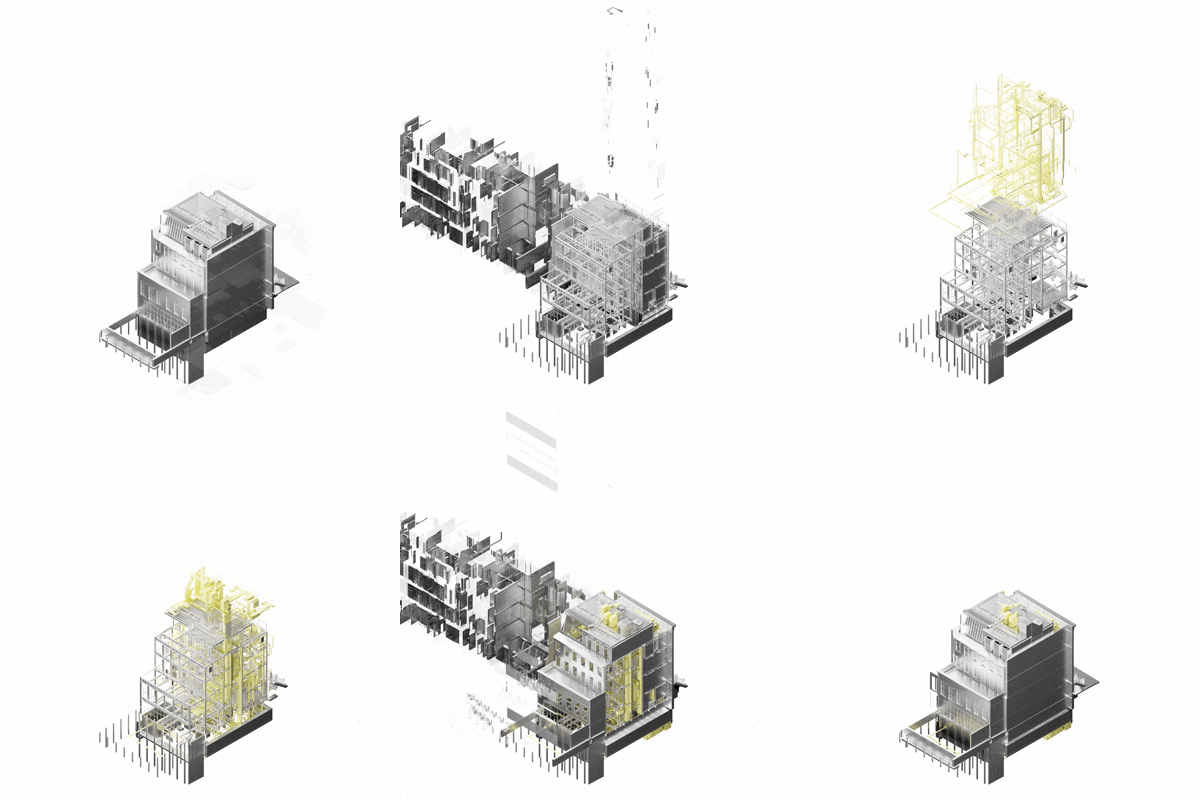
Validate Against the Point Cloud
Once modeled, always compare BIM elements back against the point cloud to confirm accuracy. This step helps catch misinterpretations early and builds trust in the final model.
Conclusion
Scan-to-BIM captures the true conditions of a space and transforms them into a model everyone can trust. By sequencing deliverables, setting up views, and using consistent structures, project teams can ensure the process not only produces accurate models but also actionable, client-ready outputs every step of the way.